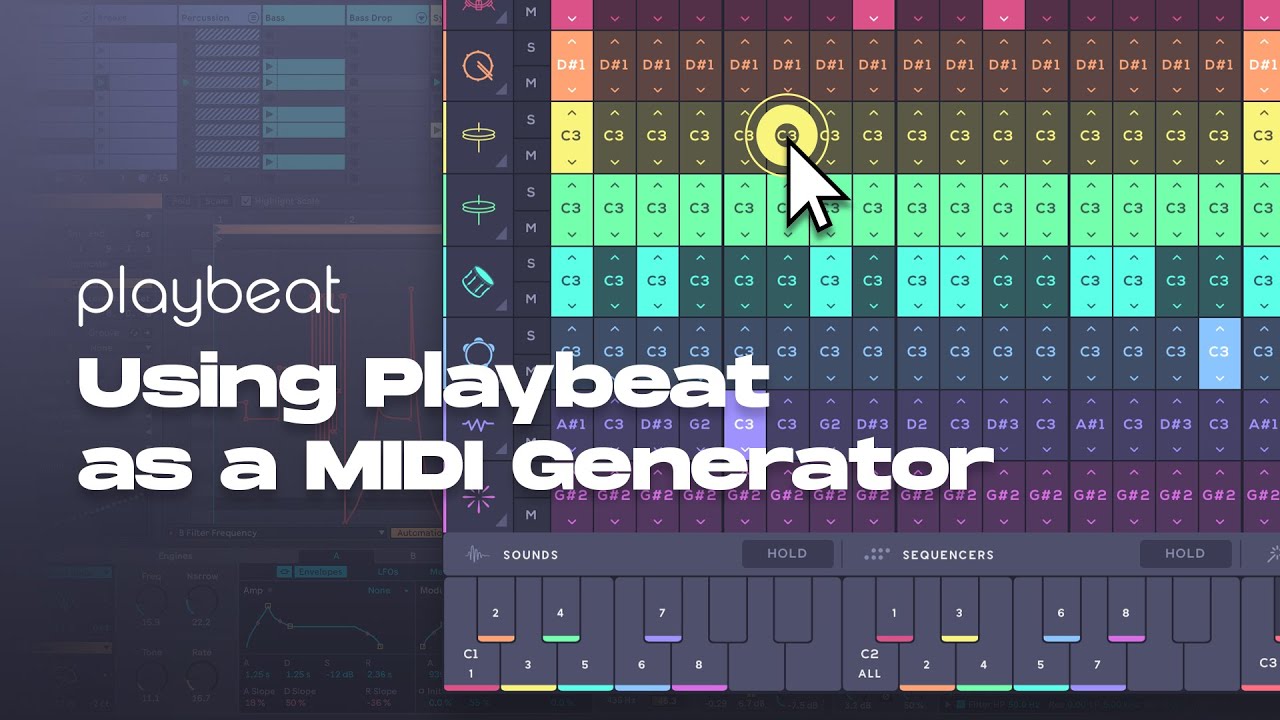
Thats good for a live scenario (but simply not how I or anyone I know approaches editing in more complex scenarios. There are too many reasons to want to access and manipulate the MIDI data on the DAW timeline to even enumerate).
What was your intention with the MIDI export (as opposed to the MIDI output) functioning the way it does though (particularly with drum mapping which even you assign internally to standard GM convention)? Or perhaps better put, what did you anticipate your users expecting and why is that the ‘last thing you want’? It’s called playBEAT not playPITCH. 
Sorry if this seems snarky. The sequencing is so nice that not being able to use it the way I expected (ie the way its competitors work) is starting to obsess me lol.
I agree with this…it’s nice to play around and have some great ideas and pattern, but I can’t really use it like that in my productions… I understand their point of view but probably for most users it’s kinda hard to implement in their process.. One problem I have also if I use a swing groove across the project in Ableton I’m not able to put playbeat on the same groove. And it’s hard to have midi clips playing just a note to trigger a sequence, and then I don’t know which one is triggered and have to go back and forth, just not intuitive for a proper production (for me at least)
I love the other features and the pattern generator etc.
Firs t off I love the inspirational sounds I get from Playbeat 4.
When one of these combinations triggers a potential new song then I want the exact sound easily copied to my DAW in my case Logic Pro 11.2.2 .
Nulldevices illustrations above are exactly my problem in exporting midi in Playbeat4. For Example in using XLNs Addictive Drums and the Life plugins it is so easy to do. You just drag and drop the midi into your DAW all the midi is there and youre ready to go.
Isn’t there an easy way in Playbeat to do this . If not there should be .